Home The player guide library
IPTV Player Guides. Better Viewing. Choose a compatible IPTV player, find your Device ID and get help with activation or your M3U playlist. One library, organised around what you need to do.
Find a guide
Subject All subjects Choose a Player Device Setup Activation & Device IDs M3U Playlist Help VPN & Connections
Platform All platforms Android iPhone & iPad Samsung Tizen LG webOS Windows & Mac Streaming Devices
20 guides to help you get set up
Choose a Player 4 min read
Choose a supported IPTV player for your Android phone, Android TV or Fire TV. Compare device fit, test your M3U playlist and understand activation.
Android Android TV Google TV
Read guide ↗ Choose a Player 4 min read
Explore ORA PLAYER, IBO ONE and ORA PRO for iPhone and iPad. Check the right listing, test your playlist and activate your app with its Device ID.
iPhone iPad
Read guide ↗ Choose a Player 4 min read
Choose an IPTV player for Samsung Tizen or LG webOS. Explore HOT ORA and other supported apps, with clear Device ID and trial guidance.
Samsung LG
Read guide ↗ Choose a Player 4 min read
Meet all seven Aura Players Hub apps. Understand device compatibility, seven-day trials, app-specific Device IDs and personal activation support.
Android Android TV Google TV
Read guide ↗ Device Setup 4 min read
Set up a supported IPTV player on Android. Install the correct app, find your Device ID, test an M3U playlist and request activation.
Android
Read guide ↗ Device Setup 4 min read
Set up a supported IPTV player on Fire TV, Android TV or Google TV. Check your device, use the existing downloads and activate the correct Device ID.
Fire TV Android TV Google TV
Read guide ↗ Device Setup 4 min read
Set up an IPTV player on Samsung Tizen. Choose a compatible app, locate its Device ID, test your playlist and request personal activation.
Samsung
Read guide ↗ Device Setup 4 min read
Set up a compatible IPTV player on LG webOS. Find the correct app and Device ID, test your M3U playlist and complete activation through Aura Players Hub.
LG
Read guide ↗ Device Setup 4 min read
Find the right IPTV player setup for Windows or a compatible Mac. Check installers, app requirements, Device IDs and activation before paying.
Windows Mac
Read guide ↗ Device Setup 4 min read
Understand IPTV player setup on Apple TV and Roku. Check the right app, find its Device ID, test your M3U playlist and avoid buying for the wrong platform.
Apple TV Roku
Read guide ↗ Activation & Device IDs 4 min read
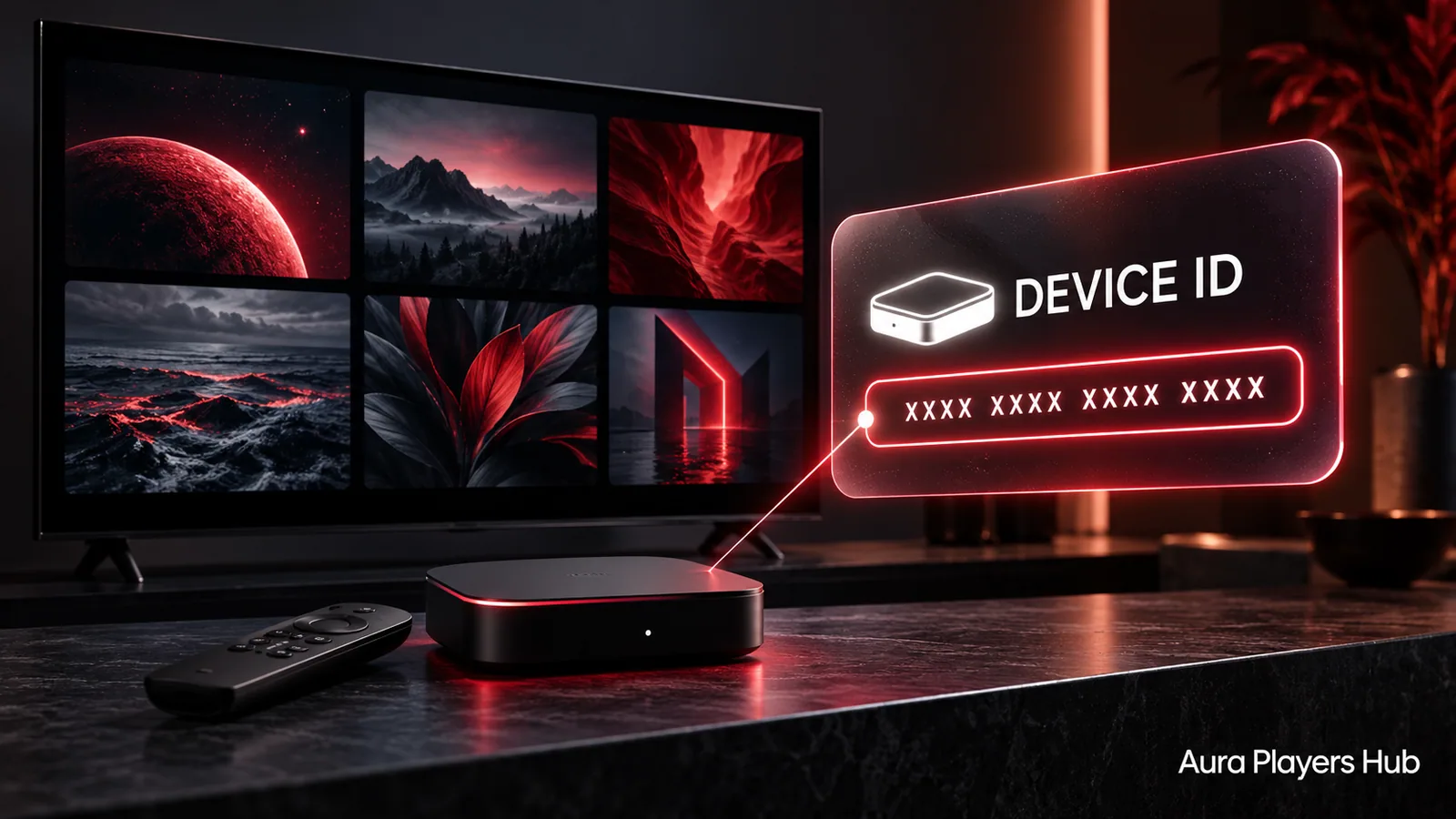
Find your IBO ONE Device ID, match it to the correct device and request yearly or lifetime activation with personal WhatsApp support.
Android iPhone & iPad LG webOS
Read guide ↗ Activation & Device IDs 4 min read
Activate your chosen Aura player app using its Device ID. Follow the existing checkout and send your mandatory WhatsApp request after payment.
All Platforms
Read guide ↗ M3U Playlist Help 4 min read
Check an M3U playlist that will not upload or connect without unnecessary resets. Get personal help adding it to your supported player through its Device ID.
All Platforms
Read guide ↗ M3U Playlist Help 4 min read
Learn what remote M3U playlist assistance involves, what to send and how Aura Players Hub helps configure a supported player using its Device ID.
All Platforms
Read guide ↗ M3U Playlist Help 4 min read
An active player licence does not include channels. Check playlist setup, refresh behaviour and supplier access, then contact Aura Players Hub for assistance.
All Platforms
Read guide ↗ Activation & Device IDs 5 min read
Understand the difference between a player licence, an M3U playlist and a content subscription before paying for activation or asking for setup help.
All Platforms
Read guide ↗ Activation & Device IDs 4 min read
Compare €4 yearly and €7 lifetime player activation. Understand device limits, app availability and what lifetime means before choosing your plan.
All Platforms
Read guide ↗ Activation & Device IDs 4 min read
Use the seven-day app trial to check your own M3U playlist, device compatibility, navigation and everyday viewing before buying an activation.
All Platforms
Read guide ↗ Activation & Device IDs 4 min read
Understand how replacing a device or reinstalling a player can affect activation. Contact Aura Players Hub before resetting and discuss transfers case by case.
All Platforms
Read guide ↗ VPN & Connections 5 min read
Compare practical VPN options for supported devices, understand Samsung and LG setup limits, and explore our preferred NordVPN offer through GlacierVPN.
Android iPhone & iPad Samsung Tizen
Read guide ↗