A player can be correctly activated and still show an empty library. Activation enables the selected application on its device. It does not automatically add television channels, movies or a content subscription. The player needs a separate working playlist before it has anything to organise or play.
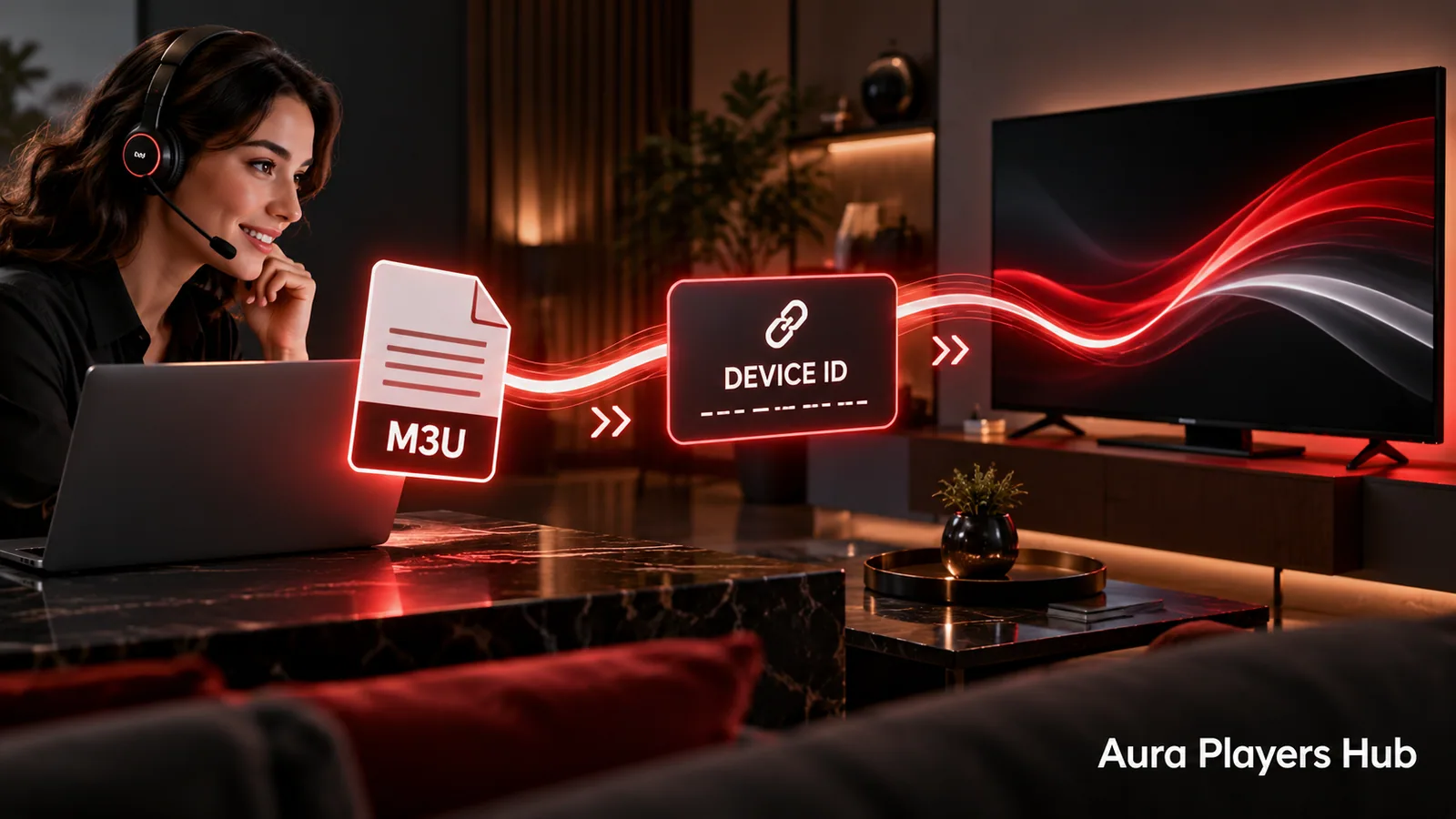
If you have already paid for activation, do not buy it again because the screen is empty. First establish whether a playlist has been configured and whether the source is available. Aura Players Hub can help with supported playlist setup through your app's Device ID.
Confirm that activation reached the right app
Open the same player and device named in your request and check its activation status. If the app still reports an expired trial or asks for activation, compare the displayed Device ID with the one you submitted. A licence applied to another installation will not unlock the player currently on screen.
If you have not yet sent the WhatsApp follow-up after payment, do that now using checkout's prepared request. Payment verification and activation are handled personally. The usual estimate is within 30 minutes during European daytime hours after verification, not instantly after pressing a payment button. Include the original payment reference so we can locate the request.
Check whether a playlist was actually added
Think back to the setup steps: did you supply an M3U playlist, or did you only activate the app? An empty new installation has no content to display. This is expected behaviour rather than proof that the activation failed. The player and content subscription are separate parts of the setup.
If someone helped you configure the player, ask which app and Device ID they used. A playlist added to one player on your phone will not necessarily appear in a different player on your television. Tell us if you recently changed apps or devices so we can check the intended installation instead of assuming the old configuration still applies.
Confirm that you have a valid content source
You need an M3U playlist containing content you are authorised to access. If you do not have one, obtain a legitimate subscription or another authorised source before expecting a channel list. You may ask support about content options separately, but the listed player activation price does not include a playlist.
If you already have a source, ask its supplier to confirm that your subscription is active and the playlist address is current. An expired account or retired source address can leave a correctly activated player with nothing usable to load. The app licence cannot restore content access that the supplier has suspended or discontinued.
Refresh without resetting your installation
Once a playlist is configured, close and reopen the player normally or use its refresh action. Allow the initial load to finish before switching repeatedly between menus. Check whether the library remains completely empty or whether categories appear without playable items; those are different symptoms worth reporting.
Avoid clearing app data or reinstalling just to force another load. Those actions can remove saved configuration and may affect the installation's identifying information. If the playlist was previously working, preserve the current setup while support checks what changed. A screenshot and a clear explanation are usually more useful than a newly reset player.
Separate missing content from playback problems
If a library appears, the playlist may already be imported. A particular stream that will not play, a missing item or a subscription connection limit can belong to the content source rather than the player activation. Check with the supplier before assuming that a more expensive licence will change that result.
If all items fail, tell us whether the same subscription is in use on another device and whether the problem started at a particular time. Do not create several simultaneous sessions as a test if your supplier restricts them. We can help interpret the behaviour, but a genuine server outage or content-access problem must be corrected by the responsible supplier.
Ask for the right help
Send your app name, device platform, Device ID, activation status and a description of what the library shows. Mention whether you already have a playlist and whether it was previously working. Share any needed playlist information privately rather than publishing it in comments or screenshots with visible credentials.
We can help add or correct an authorised M3U playlist through a supported app's Device ID. If you have an activation problem, we will check that separately. Keeping the two questions apart usually leads to a much clearer next step and avoids an unnecessary duplicate purchase.
Ready for your next step?
Choose your app and enter its exact Device ID. Activation is completed personally after payment verification and your WhatsApp follow-up.
Ask Us to Check Your Setup Need help? Ask us