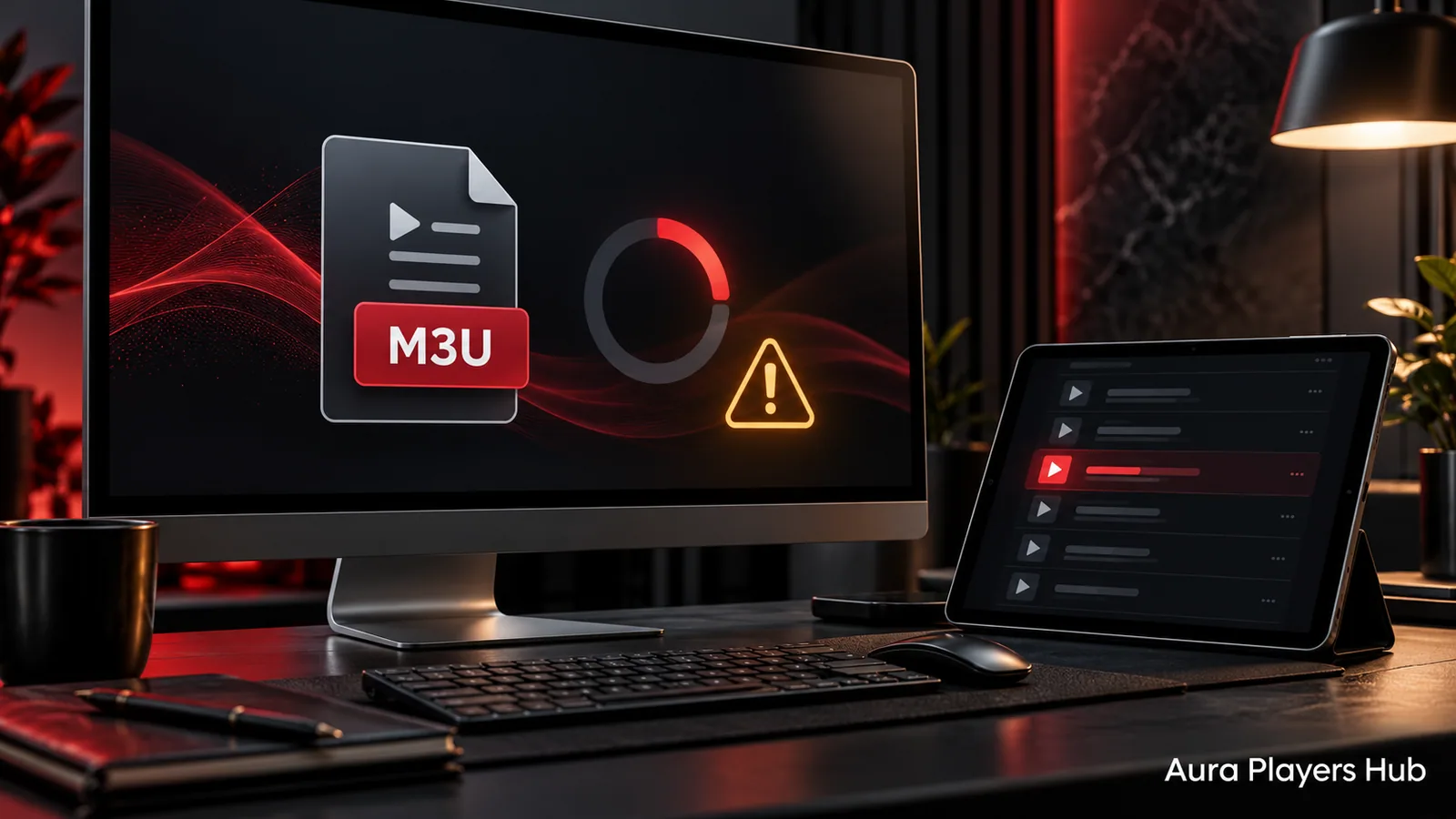
An M3U playlist that will not upload does not automatically mean the player needs another activation. The problem could be the copied link, the playlist itself, the selected app or a connection to the content supplier. Identify which part is failing before changing a working installation.
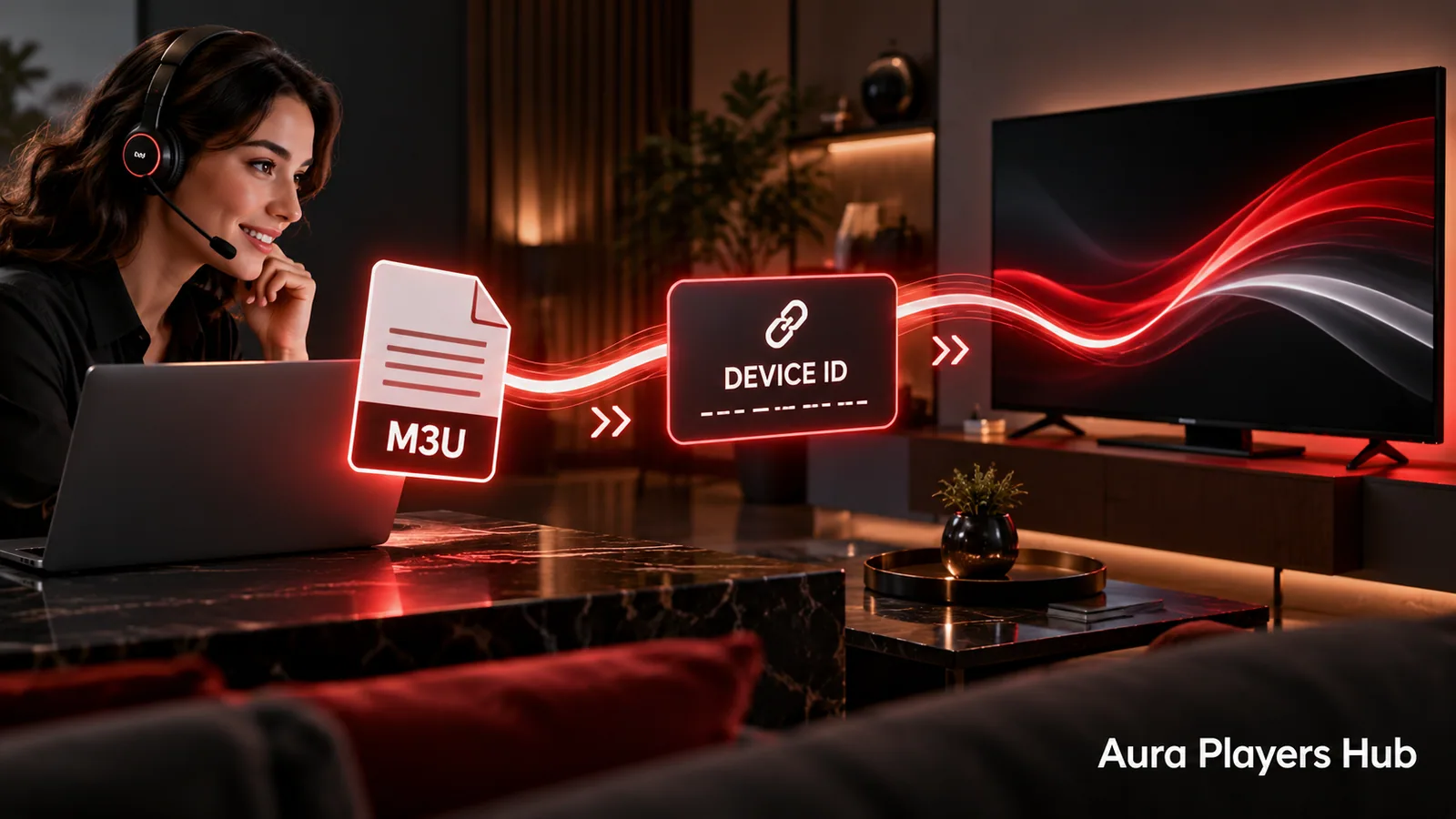
Aura Players Hub can help add and configure your own authorised M3U playlist in a supported app through its Device ID. Start with the checks below, then contact us if the cause is still unclear. You do not need to perform a factory reset or repeatedly buy licences to ask for help.
Describe what is actually happening
Different symptoms point to different questions. Does the app refuse to save the playlist? Does it save but stay empty? Does a library appear while individual items fail? Does an error appear before you select anything? Note the exact wording and the point at which it appears.
Also check whether the app is still in its seven-day trial or is activated. An expired app trial and an expired content subscription are separate issues. Tell us which status you see instead of assuming that every playback error is a licence problem. A short, specific description helps us start with the relevant part of your setup.
Check the complete playlist link
Copy the M3U link from the supplier's original message or account page. Do not copy only the visible beginning of a shortened message. Check for accidental spaces, line breaks and punctuation added when forwarding text. A link split across several lines may look complete while still containing an unwanted character.
Preserve the supplied spelling and punctuation. Some playlist addresses contain private account information, so do not paste them into public forums or comments. If assistance requires the link, share it only through your private support conversation and only for content you are authorised to access. Never send your general email, bank or unrelated account password.
Confirm that the content subscription is active
An M3U file or address is a route to content, not a guarantee that the source remains available. Ask the supplier whether the subscription is active and whether the supplied address has changed. If every device using the same subscription suddenly fails, a source-side issue becomes more likely than a single app setting.
Check any simultaneous-connection rules before testing the same subscription on several devices at once. Opening more players can create a new access problem instead of diagnosing the first one. If the supplier reports an outage or expired access, another player activation will not resolve that condition. The supplier must restore the underlying service.
Confirm the app and Device ID
Open the exact supported app on the intended device and copy its Device ID. An identifier from ORA PLAYER cannot be assumed to refer to an IBO ONE installation on the same television. Match the full app name and ID in your support request so we check the correct record.
If you previously changed apps, explain that change. A playlist configured in one player does not prove it was added to another. Likewise, an activation on one device does not activate an installation on your phone. We can help distinguish these situations without sending you through unrelated network settings or reinstalling all your players.
Try limited, reversible checks
Confirm that the device has a working internet connection and that ordinary online functions still load. Close and reopen the player normally, then use its usual refresh action if available. If you recently edited the playlist address, recheck the saved value rather than repeatedly adding duplicate entries.
Avoid clearing app data, uninstalling the player or factory-resetting the television as an early troubleshooting step. Those actions may remove useful settings and complicate activation support. Do not make several network changes together. Keeping the original state and recording one change at a time makes the problem easier to explain and reverse.
Send a focused support request
Contact us with the app name, device platform, Device ID, activation status and the exact error or symptom. Mention when it last worked and whether the content supplier confirmed the subscription is active. If you can, include a screenshot that shows the problem without exposing unrelated private information.
We can assist with supported playlist configuration remotely through the app's Device ID. If the issue belongs to a supplier's server, unavailable content or subscription permissions, we will explain that boundary. The goal is a clear next step for your existing setup, not an unnecessary second purchase.
Ready for your next step?
Choose your app and enter its exact Device ID. Activation is completed personally after payment verification and your WhatsApp follow-up.
Get M3U Playlist Help Need help? Ask us