
For iPhone and iPad, begin with the Apple-compatible apps in the collection: ORA PLAYER, IBO ONE and ORA PRO. All three give you a way to use your own playlist, but the right choice is the app that is available for your device and comfortable for you to operate.
Do not treat a similar app name as proof that you have found the same product. Check the listing reached through our existing download options, confirm compatibility with your device and then test your own M3U playlist before purchasing an activation.
Match the App Name and Listing
There are many media players with similar names. An activation intended for IBO ONE cannot be assumed to work in another app whose name happens to include similar words. The name on your phone, the app selected at checkout and the Device ID in your request must all match.
Use the Apple listing linked from the supported player's download options. Check the developer information and the device requirements shown there. Availability may differ by region, and an older iPhone or iPad may not meet the current operating-system requirement. Ask us if the listing does not match what you expected.
Choose Between Three Relevant Options
ORA PLAYER, IBO ONE and ORA PRO are the Apple phone and tablet options covered here. Their shared purpose is to play content supplied through your own authorised playlist. None of the activation prices includes a channel package merely because the app opens successfully.
IBO ONE is our personal favourite, and it is a useful starting point if you want a familiar option across several supported devices. That is a preference, not a promise that it will outperform every alternative on your phone. Compare the actual interface during the trial.
| Player | What to check on iPhone or iPad |
|---|---|
| ORA PLAYER | Listing compatibility, interface layout and your own playlist. |
| IBO ONE | Device ID, playback controls and whether the layout suits you. |
| ORA PRO | Supported device requirements and the controls you want to use. |
Test the Interface the Way You Will Use It
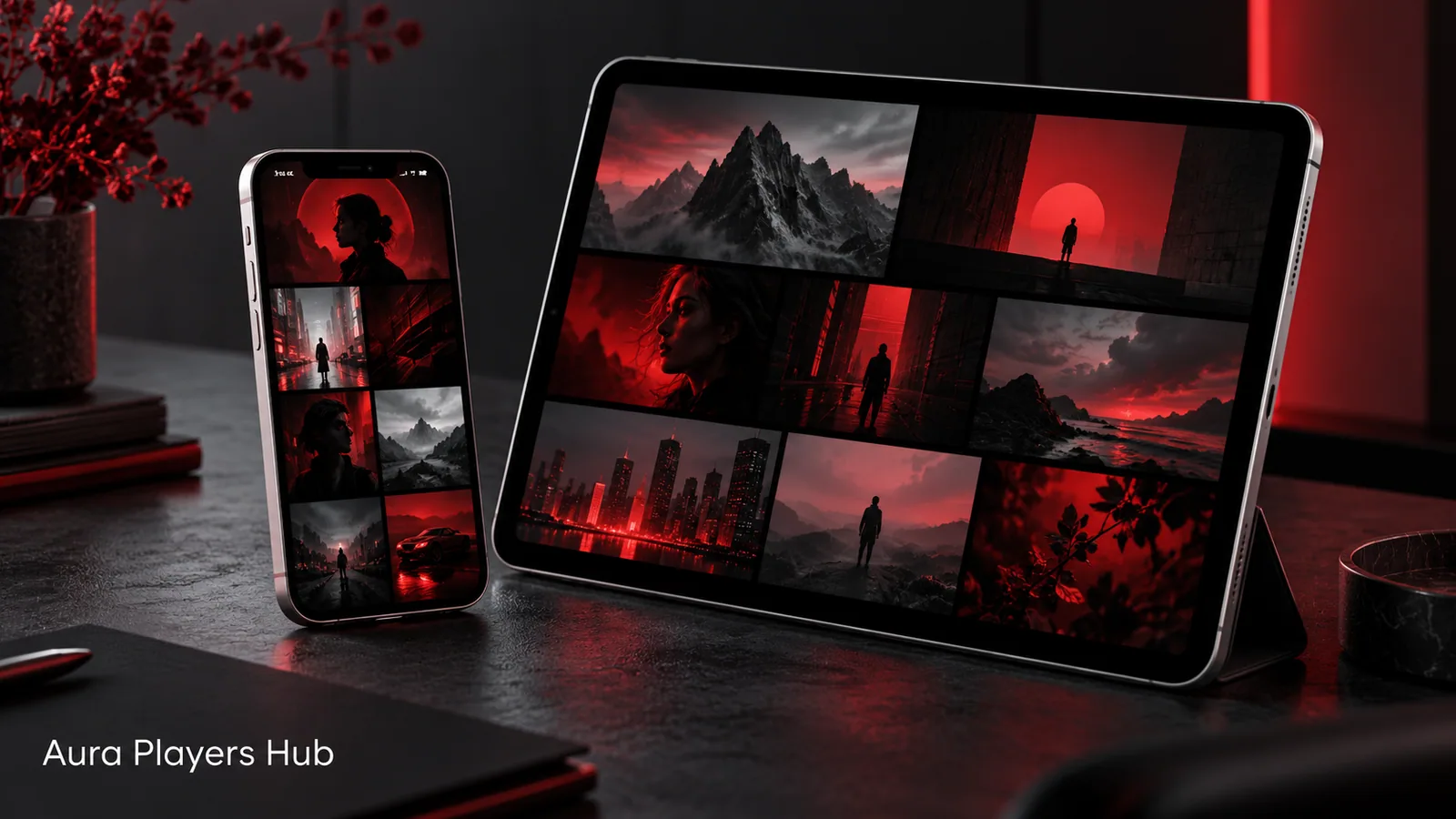
A tablet and a phone are different viewing environments. On an iPhone, check that the controls do not get in the way of the picture. On an iPad, check that browsing a larger library and switching between items feels clear at the distance you normally hold the screen.
Try available language, subtitle and appearance settings where the selected app provides them. Test the ordinary actions first: opening the app, finding an item, starting video, pausing and returning to the library. Do not choose on the basis of a promotional screenshot alone.
Use the Trial Before Making the Activation Decision
Each app offers a seven-day trial. Add your own authorised M3U playlist and check it on the device you intend to activate. If you normally watch using home Wi-Fi, test there rather than relying only on a quick mobile connection test.
If the list does not connect, contact Aura Players Hub with the selected app name and its Device ID. We can help with remote playlist setup. A supplier account problem, unavailable stream or supplier-side outage cannot be corrected simply by buying a player activation.
Keep the App and Device ID Together
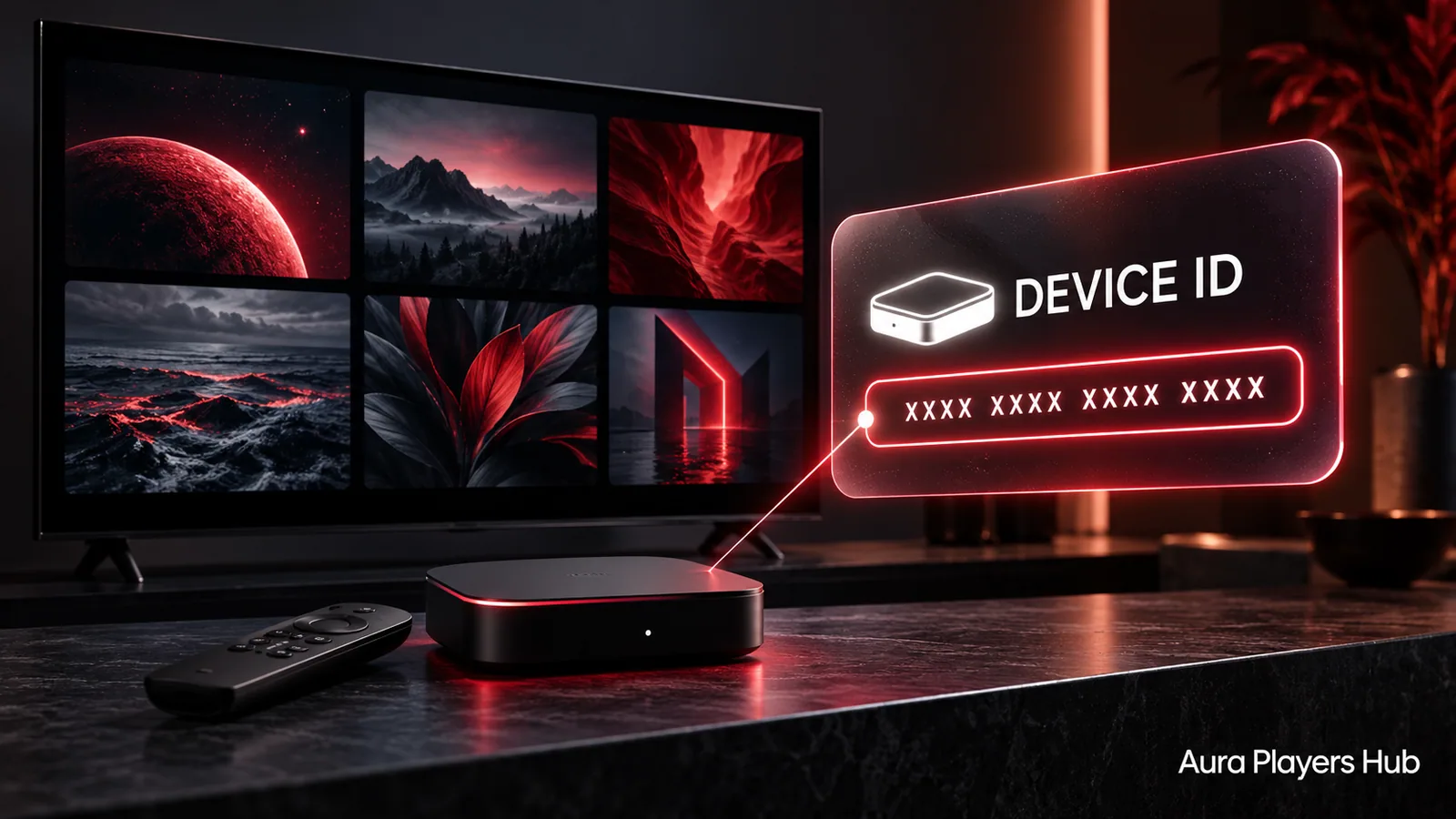
Open the chosen app's activation, account or settings area and copy the Device ID exactly as shown. The screen location can vary, so do not substitute an identifier from another app or from a different device. A screenshot can help when you contact support, but share it privately.
Your iPhone and iPad are separate devices, even if they use the same Apple account. Do not assume an activation transfers between them. If you have already paid through an app store or another route, ask us to check your situation before buying again.
Complete Activation Without Buying the Wrong Licence
On Aura Players Hub, choose the correct app and enter the Device ID from that installation. Select one year for €4 or lifetime for €7, complete checkout and then send the WhatsApp follow-up. Your activation is processed manually after payment verification.
Lifetime refers to the continued life of the selected app on that particular device. If you later replace the phone, change apps or reinstall and find a different Device ID, contact us first. Transfer decisions are assessed case by case rather than promised in advance.
Sources and further reading
Ready for your next step?
Choose your app and enter its exact Device ID. Activation is completed personally after payment verification and your WhatsApp follow-up.
Choose Your iPhone or iPad Player Need help? Ask us