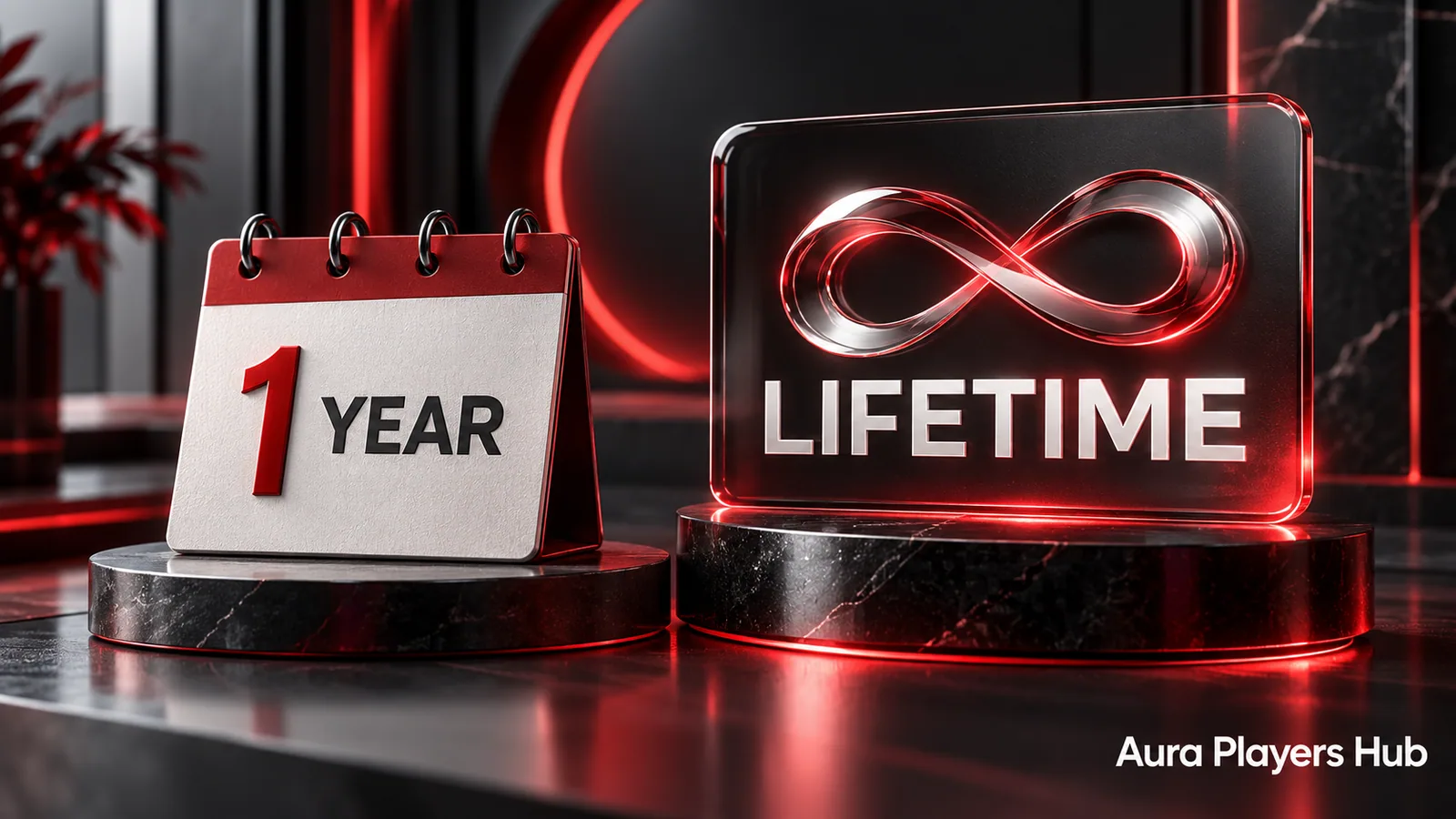
Aura Players Hub offers two activation durations: one year for €4 or lifetime for €7. Both apply to one selected player app on one device. The right choice depends on how long you expect to keep that exact setup, not on how many apps you would like to install elsewhere.
The important detail is what lifetime means. It covers the chosen app on the particular device while that app continues to operate. It is not a guarantee that a developer, television, platform or content supplier will exist forever, and it does not automatically transfer to replacement hardware.
What the one-year option provides
The one-year activation covers 12 months for the app and Device ID you submit. It can suit a device you expect to replace, a setup you want to keep flexible or a customer who prefers a shorter commitment. Before ordering a renewal, tell us if an activation is already active so the request can be checked correctly.
There is no need to choose an annual plan just to find out whether the app works for you. Each supported player has a seven-day trial for testing your own authorised M3U playlist. Use that trial to assess compatibility and navigation before deciding which paid duration fits your device.
What lifetime means in practice
Lifetime activation is a one-time €7 player activation for the selected app on its specific device. If a television continues running the same supported app for ten years and the app service remains available, the activation can continue for those ten years. The actual duration follows those conditions rather than a fixed promise about the future.
If the television is replaced, the app is discontinued or a new installation uses different identifying information, the original licence does not automatically become a licence for another setup. Contact us about changes before assuming that the word lifetime covers any device you buy later. Transfer decisions are considered individually and cannot be guaranteed.
Compare the price against your expected use
At the current prices, two separate annual purchases total €8 EUR, while the lifetime option costs €7 once. That makes lifetime less expensive than paying for two full years, provided you keep using the eligible original app and device. This is a simple price comparison, not a prediction of how long a particular television or app will last.
If you only expect to use the device for a short period, the €4 option has the lower initial cost. If the setup is established and you expect to keep it, lifetime may be more convenient. Choose the duration after checking compatibility and trial performance, not because a longer licence is expected to improve a supplier's stream quality.
The same device rules apply to both
An activation belongs to the selected player and the Device ID displayed within that app on your device. Paying for ORA PLAYER on a television does not also activate IBO ONE on the same screen. A second phone or computer is another installation, even if both devices use the same authorised playlist subscription.
Confirm the app and identifier in checkout's request summary. If you have multiple devices or are uncertain which one should be activated, ask us first. This avoids paying for the wrong installation and expecting a duration change to correct an app-selection error. Keep a private record of your request and payment reference for support.
Separate player duration from content access
Neither duration includes television channels or an M3U content subscription. An annual content subscription may expire while a lifetime player licence remains valid. A lifetime player can therefore be correctly activated yet unable to load an expired or unavailable source. Extending the app licence will not renew the content account.
We can help add or configure your own authorised M3U playlist using a supported app's Device ID. If the source supplier's servers fail or content access is suspended, that supplier must address the underlying issue. Choose the activation duration for the app itself, then manage your separate content arrangements according to their own terms.
Choose, pay and follow up through WhatsApp
When ready, choose your plan on Aura Players Hub, enter the exact app Device ID and complete the existing checkout. Then send the mandatory WhatsApp activation request. We personally verify payment before applying the activation, usually within 30 minutes during European daytime hours after verification rather than immediately after a payment button is pressed.
Contact us before purchasing if a device transfer, mistaken order or existing licence complicates the request. We do not offer voluntary refunds for completed activations except verified duplicate purchases, while applicable statutory rights remain unaffected. Clear details before payment are the best way to choose a plan that matches your intended setup.
Ready for your next step?
Choose your app and enter its exact Device ID. Activation is completed personally after payment verification and your WhatsApp follow-up.
Choose Your Activation Plan Need help? Ask us