
To activate a player through Aura Players Hub, select your app, enter its Device ID, choose a duration and complete checkout. After payment, send the WhatsApp activation request so we can verify the transaction and apply the licence to the correct installation.
People often search for an IPTV player activator when they simply need a legitimate paid activation service. Aura Players Hub provides that personal service for seven supported apps. There is no licence generator to install and no need to replace a working app merely to activate it.
Start with the exact player you installed
Aura Players Hub is the website and activation service. The actual apps are ORA PLAYER, IBO ONE, DUPLEX PRO, ORA PRO, GRAVITY PLAYER, KEMET PLAYER and HOT ORA IPTV PLAYER. Some names are similar, so check the icon and full app name on your device before ordering.
The seven apps collectively cover many platforms, but they are not interchangeable on every device. HOT ORA IPTV PLAYER is for Samsung Tizen and LG webOS televisions. IBO ONE does not support Samsung Tizen in our collection. Use the Supported Devices page if you are still deciding which app to install, and use the existing download section for the available links.
Find the Device ID inside that app
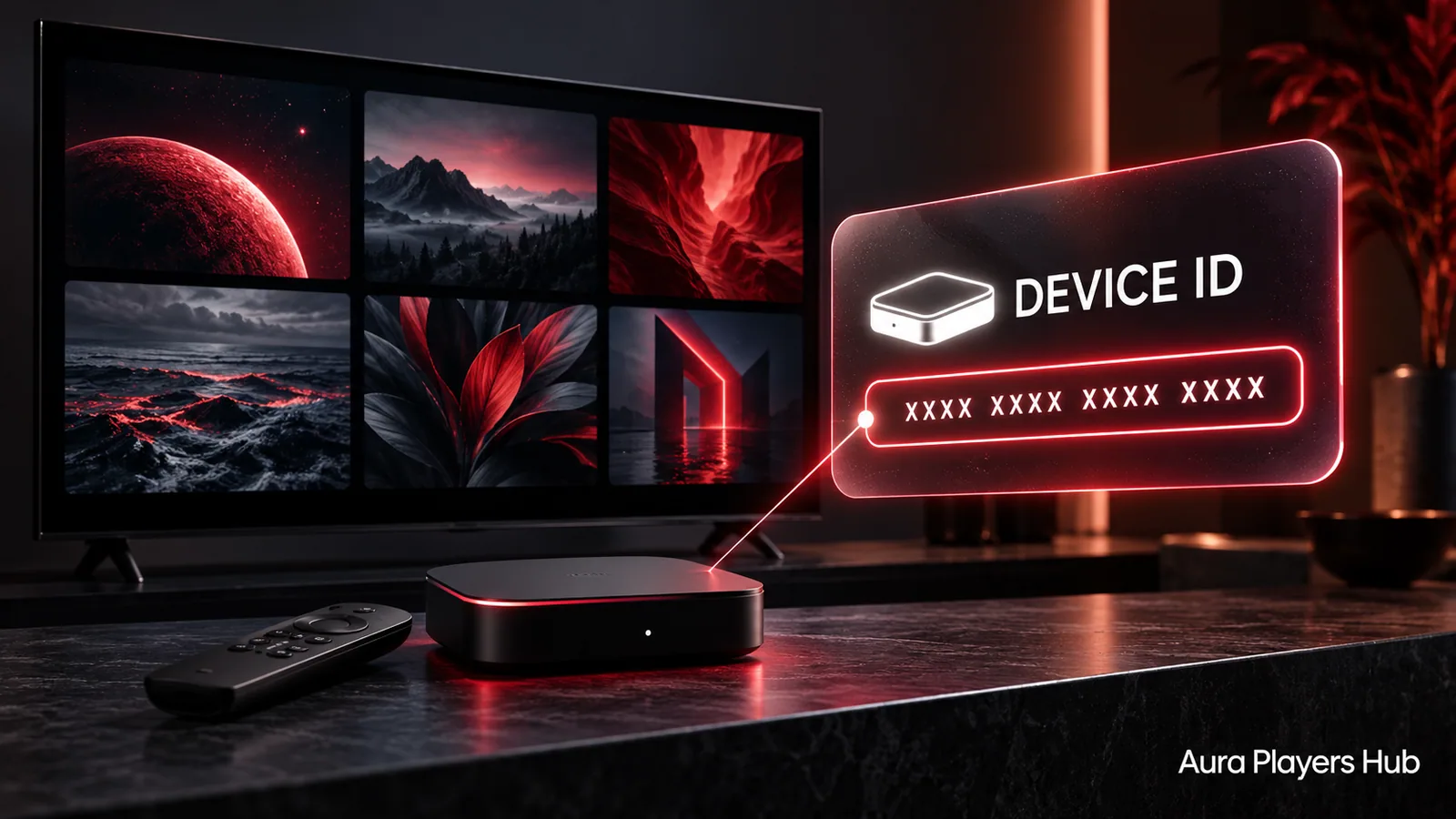
Open the player on the device you intend to activate. Look in its activation, account or settings area for the unique Device ID. Its location depends on the app and platform, so a general television serial number or an ID copied from another player is not a substitute.
Copy the value exactly and keep the app open while preparing the request. A clear private photograph can help when moving from a television screen to your phone. Check all seven numbers carefully, preserve leading zeros and do not introduce letters or spaces. If the screen is unclear, ask us before paying rather than guessing which field is correct.
Choose one year or lifetime for that installation
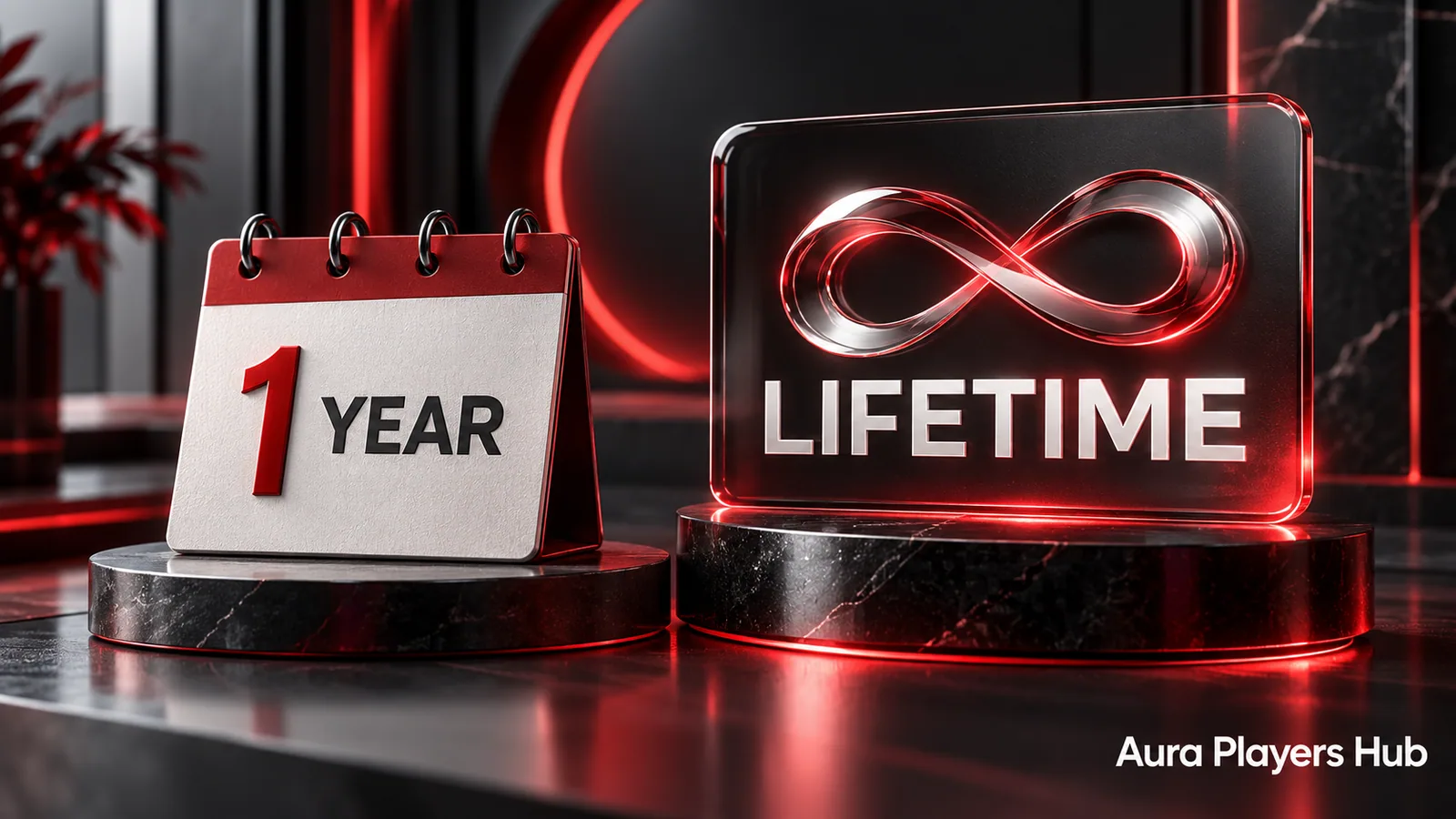
One-year activation costs €4 and covers 12 months. Lifetime activation costs €7 and lasts for the chosen app on the specific device while that app remains operational. The word lifetime does not mean all apps, an unlimited number of devices or an unconditional transfer to a future television.
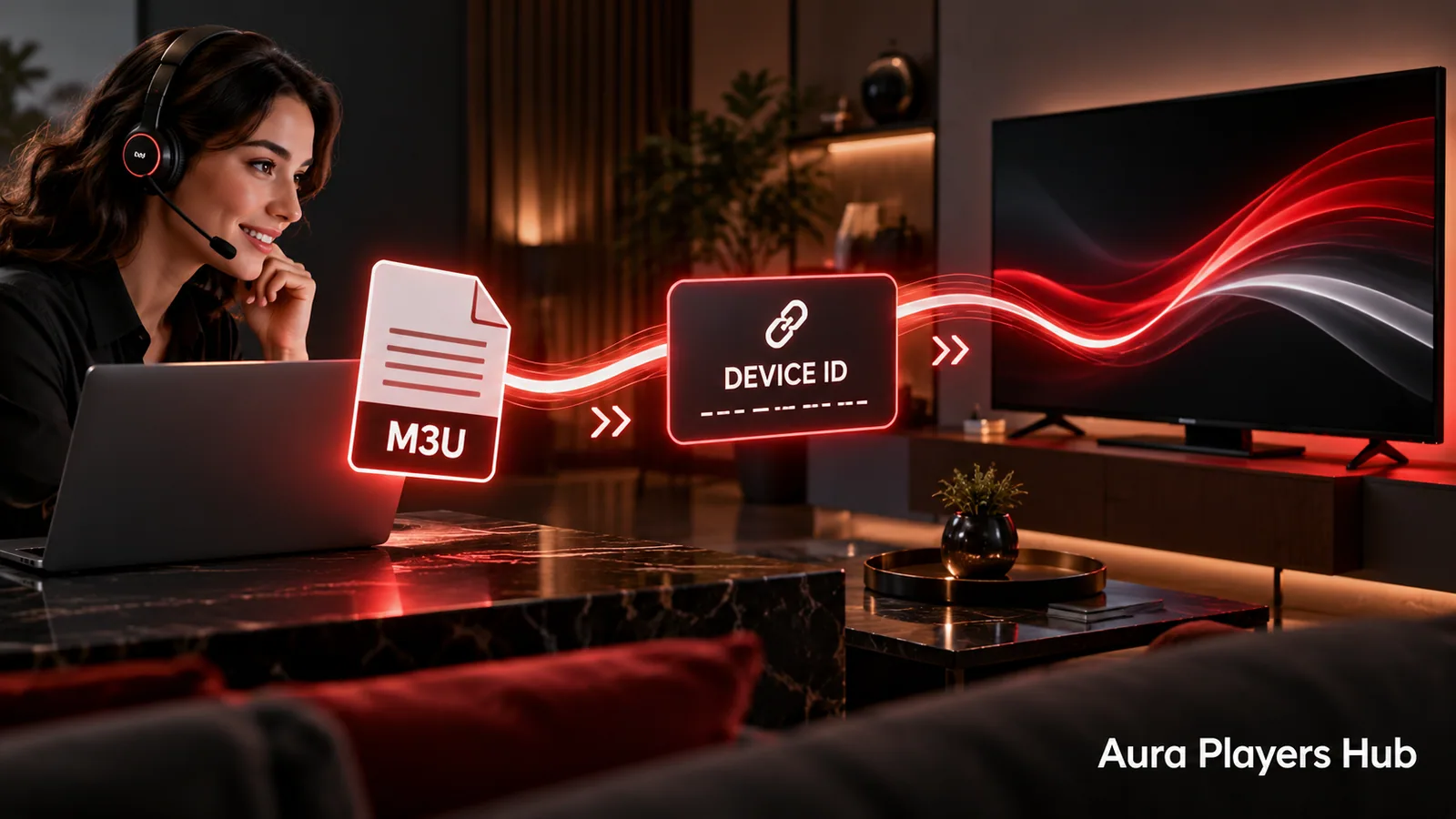
Each app has a seven-day trial so you can test your own authorised M3U playlist on your intended device before deciding. Evaluate the controls and normal playback setup during the trial. A player activation does not include a content subscription, and paying for a licence does not repair a supplier's expired subscription or unavailable source.
Check the summary and complete checkout
Select the app and enter its Device ID in the activation form. Review the player name, duration, price and device identifier in the prepared summary. This is the right moment to correct a selection. If you use several apps, compare the summary with the actual app screen rather than relying on memory.
Continue to payment using the existing checkout. It contains the current instructions for each available method. Keep those instructions as your payment reference instead of copying advice from an old conversation or a screenshot belonging to another order. You do not need to learn a separate payment process from this article.
Send the WhatsApp follow-up after payment
The follow-up is required. Open the activation request from checkout, review the prefilled details and press Send in WhatsApp. Add a concise explanation if anything about the payment or device has changed. A message sitting in WhatsApp's text box has not yet reached us.
We verify payment manually before activation. The usual estimate is within 30 minutes during European daytime hours once payment is verified. Bank receipt times or a missing reference can affect when verification is possible. Keep one clear support thread rather than submitting repeated paid requests because an immediate change has not appeared.
Confirm activation and get help with your playlist
After confirmation, return to the same app and device. Refresh or restart the player using its normal controls if the status has not updated. Do not clear data or reinstall as a first response. If the licence still appears inactive, send the displayed status and Device ID to us so we can check the same installation.
If activation is successful but your M3U list is missing or will not load, we can assist with supported playlist setup through the app's Device ID. We are a player platform, so genuine content-supplier failures remain outside our control. Contact us for the right next step instead of paying for another licence.
Ready for your next step?
Choose your app and enter its exact Device ID. Activation is completed personally after payment verification and your WhatsApp follow-up.
Start Your Activation Need help? Ask us