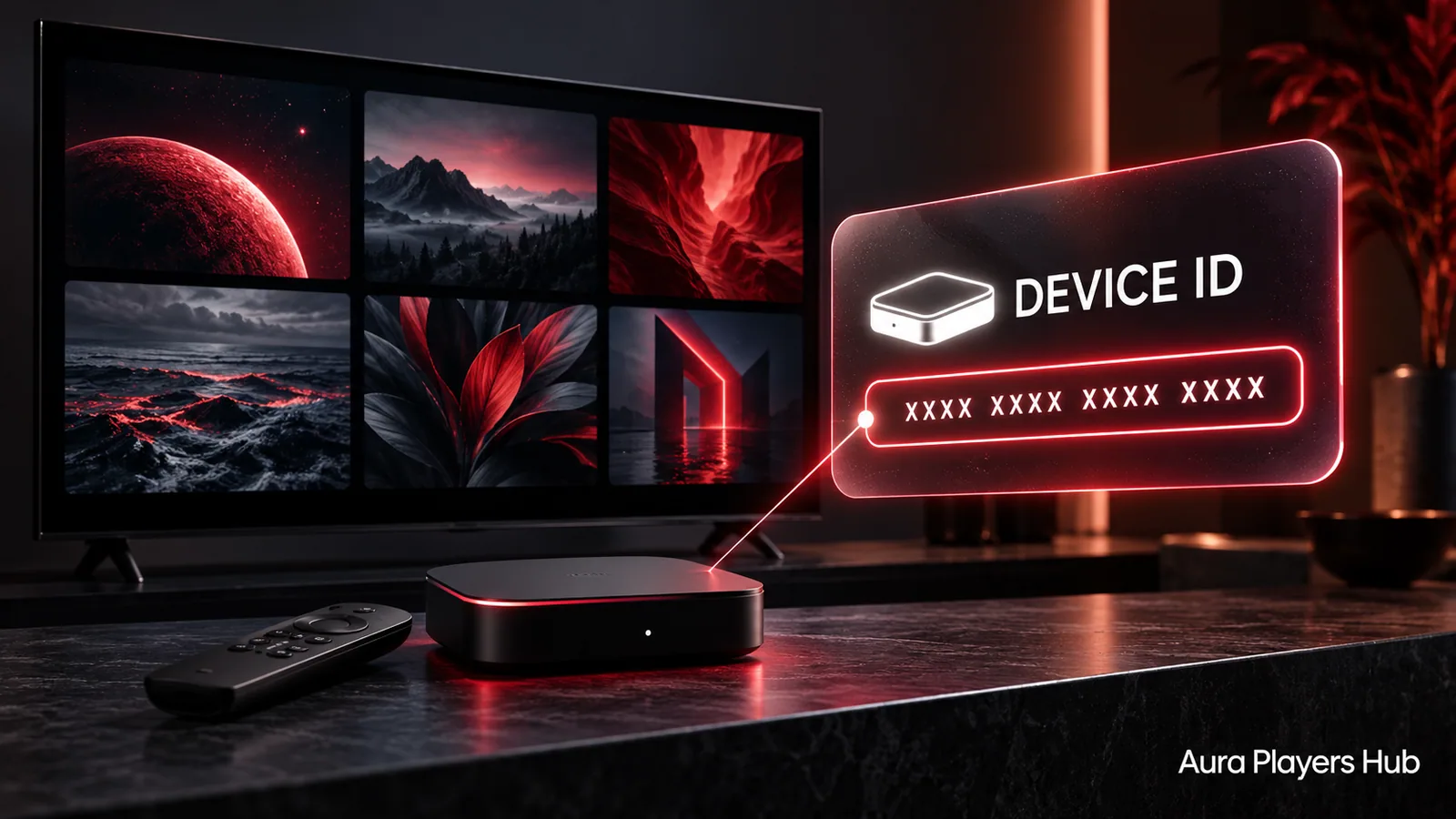
An IBO ONE activation starts with the Device ID displayed inside the app you want to use. That ID lets us match your purchase to the correct player installation. It is not a general customer number, and an ID from another player will not activate IBO ONE.
IBO ONE is our personal favourite in the Aura Players Hub collection. Its availability across supported phones, televisions and computers makes it a practical choice, but checking your particular platform still comes first. This guide explains how to find the right identifier and avoid the mistakes that delay activation.
Open IBO ONE on the intended device
Start with the actual television, phone or computer you want activated. Open IBO ONE itself, not a different app with a similar name. If several players are installed, check the app name before copying anything. Their identifiers belong to different installations even when both players run on the same screen.
IBO ONE is an option for supported Android devices, Apple devices, LG webOS televisions and Windows computers, with compatible Apple Silicon Macs covered through the appropriate Apple listing. It is not part of our Samsung Tizen offering. A Samsung television connected to a separate Android device is a different setup from an app running directly on Tizen.
Locate and copy the Device ID
Look at the app's activation, account or settings screen. The exact wording and position can vary between platforms. Read the field labelled Device ID and copy the complete value as it appears. Do not substitute a serial number from the television settings or an identifier from your router.
If entering the value from a photograph, check all seven numbers carefully and preserve any leading zeros. Enter exactly seven digits, without punctuation, letters or spaces. Take the photograph for your own reference or a private support conversation. There is no reason to post your activation screen publicly.
Match the app, device and activation plan
On Aura Players Hub, select IBO ONE in the player dropdown and enter the ID from the device you just checked. The selected-player image and request summary provide a second chance to catch a wrong app selection. Compare the summary with the screen before continuing.
Choose one year for €4 or lifetime for €7. Both options activate one selected app on one device. Lifetime means for as long as that app continues to operate on the particular device; it does not create a transferable licence covering every device you own. Ask us before ordering if your situation involves replacing a device or extending an existing activation.
Complete checkout and send the WhatsApp request
Use the website's checkout for payment and follow the instructions displayed there. Then open the WhatsApp activation request and actually press Send inside WhatsApp. Opening a prefilled message alone does not send it to us, and a completed bank or wallet transaction does not automatically deliver your Device ID to support.
We check the payment before applying the activation. Requests are usually handled within 30 minutes during European daytime hours after verification, but that is an estimate rather than an instant-service guarantee. Keep the relevant payment reference available and tell us if the payer's details make your transaction harder to identify.
Check the player after confirmation
Once we confirm activation, open the same IBO ONE installation again and use its normal refresh or restart option if needed. Confirm the activation status before making further changes. Avoid clearing app data or reinstalling while a request is being processed, because that can complicate matching the original ID.
An activated player still needs a valid M3U playlist to display your content. If the licence is active but the library is empty, contact us for playlist assistance rather than buying another activation. We can help configure a supported playlist remotely through the app's Device ID, while subscription or source-server issues may require your content supplier.
Cannot find the ID or spotted a mistake?
Send us the exact app name, the device platform and a short description of what appears on screen. If you have already ordered, include the payment reference in the same private conversation. This is more useful than sending several different IDs without explaining which app each belongs to.
If you copied an incorrect value, contact us as soon as you notice. Do not create a second paid order as a troubleshooting step. We will check the situation and explain what is possible. Player activation should begin with a clear match between your app, your device and your request.
Ready for your next step?
Choose your app and enter its exact Device ID. Activation is completed personally after payment verification and your WhatsApp follow-up.
Activate IBO ONE Need help? Ask us