
For an LG television running webOS, choose a player listed for webOS rather than using Android TV installation instructions. Our LG collection includes ORA PLAYER, IBO ONE, DUPLEX PRO, ORA PRO, GRAVITY PLAYER and HOT ORA IPTV PLAYER, subject to availability for your particular television.
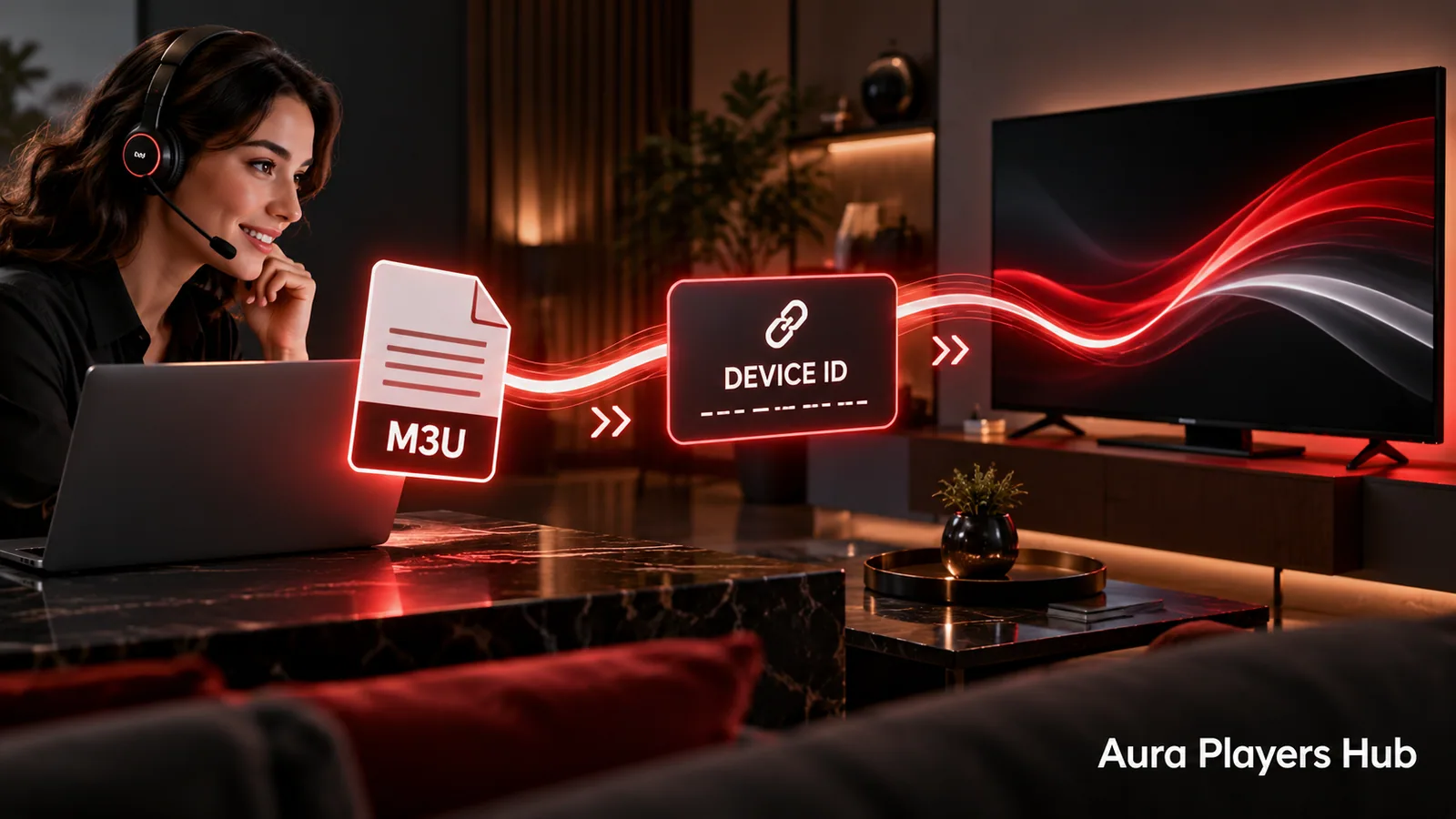
The practical sequence is to install a compatible app, find its Device ID and test your own M3U playlist during the trial. Purchase activation once you know which app you intend to keep. If playlist entry is the difficulty, Aura Players Hub can help you with setup.
Check the Television and Its App Availability
Confirm the television model and webOS details using its device information. Then check the LG app catalogue available on that TV. Menu wording and app availability can differ between models and regions, so use the actual listing rather than assuming every LG television has the same choices.
Also decide whether you want a native app on the television or an app on an external device. A streaming box connected to your LG TV runs its own software and has its own player installation. This guide covers the native webOS route.
Choose a Player You Can Install and Test
HOT ORA IPTV PLAYER is designed for Samsung Tizen and LG webOS and is the seventh option in our activation dropdown. IBO ONE is our personal favourite among the supported collection, but the best fit for you still depends on the available app and how it feels on your television.
ORA PLAYER, DUPLEX PRO, ORA PRO and GRAVITY PLAYER provide additional listed LG choices. KEMET PLAYER belongs to our Android options, not the native webOS selection. Use the directory to check the current collection and the existing download information for the app you choose.
Find the Device ID and Check Remote Controls
After installation, open the player and locate its activation, account or settings screen. Record the exact Device ID from that app on that LG television. Keep it with the app name so it cannot be confused with an ID from another player you test.
Before adding your full playlist, check the basic remote actions. Can you move between options, return to the previous screen and identify the selected item from your normal seat? Explore the language and customisation controls that the chosen app provides. Do not assume another app's screenshots describe this one.
Test Your M3U Playlist During the Seven-Day Trial
Use your own authorised M3U playlist during the app's seven-day trial. Test the intended network, a few items from the library and the way you normally browse. A successful app installation does not prove that a content subscription is valid or that every supplier stream is available.
If the playlist will not upload, contact us with the app name and Device ID. We can help apply or configure a playlist remotely through the supported app. This can save entering a long link with the TV remote. Share playlist information privately rather than in a public comment or screenshot.
Choose the Duration, Pay and Send the Request
Enter the matching app and Device ID at Aura Players Hub, then choose one year for €4 or lifetime for €7. The activation belongs to that selected app on that specific device. It is not a package activating every LG-compatible player.
Complete payment using checkout and then send the prepared WhatsApp request. Payment verification and activation are handled manually, usually within 30 minutes during European daytime hours after verification. If you have paid but need an update, continue in the same conversation rather than creating a second purchase.
Keep a Working Setup and Contact Us Before Changes
After activation, use the app's normal refresh or reopen controls and check the activation status. If content is missing, keep the app installed while the playlist configuration and supplier access are checked. Buying another activation is not a general cure for an empty library.
Lifetime lasts for the chosen app on this device while that app continues to operate. Replacing the TV, changing players or reinstalling may require a review of the Device ID. Contact us before major changes; licence transfers are considered case by case and are not automatically included.
Ready for your next step?
Choose your app and enter its exact Device ID. Activation is completed personally after payment verification and your WhatsApp follow-up.
Activate Your LG TV Player Need help? Ask us