IBO ONE Device ID: Where to Find It and How Activation Works
Find your IBO ONE Device ID, match it to the correct device and request yearly or lifetime activation with personal WhatsApp support.
AndroidiPhone & iPadLG webOS
Read guide Activate your chosen IPTV player with Aura Players Hub. Choose from seven supported apps, enter your Device ID and complete checkout. Then contact us on WhatsApp so we can verify your payment and activate your player.
Choose your activation ↗ ORA PLAYER
 IBO ONE
 DUPLEX PRO
 ORA PRO
 GRAVITY PLAYER
 KEMET PLAYER
 HOT ORA IPTV PLAYER
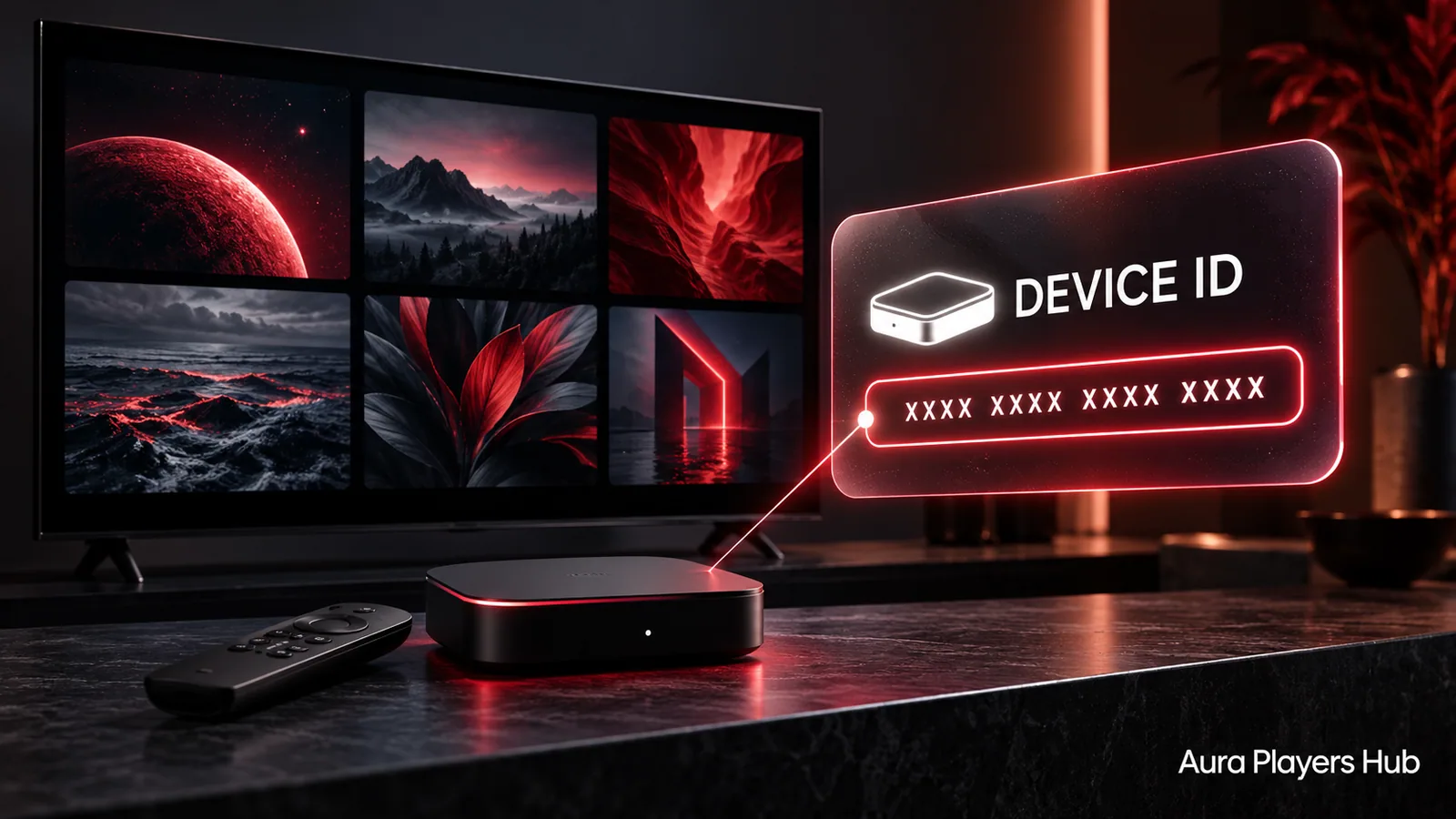
Open your favourite Aura IPTV Player app on the device you want to activate. Head to the activation, account or settings screen and look for your unique Device ID. Copy it exactly as shown, then enter it below to get your player ready.
Choose 1 year for €4 EUR or lifetime for €7 EUR. Select your app and enter its unique device ID below.
Finalize your purchase and request activation of your Aura App Device ID right away. We usually activate within 30 minutes during European daytime hours, after checking your payment.
Select one plan to continue.
Player activation only. Channels, playlists, movies, series and content subscriptions are not included. Lifetime refers to the player's lifetime licence and remains subject to the provider's service and licence terms.
Choose your player and compatible device. Install the selected app if needed, then enter the seven-digit Device ID shown inside that app instance.
Already installed? Select your device and continue with the ID shown in your app.
Need help finding your Device ID?Crypto or bank transfer · Manual payment verification
Select your app and compatible device, then enter its seven-digit Device ID to unlock payment.
Explore supported interface languages and relevant language options in your chosen app.
Choose a player with straightforward browsing and controls that suit your screen.
Explore playback controls and customisation options available in your selected app.
Find a compatible option for your TV, phone or computer. Availability varies by app.
Prefer watching on your TV, phone or computer? Explore our player collection and find an app compatible with your device.
Explore Supported Devices ↗
Having trouble adding your M3U playlist? We can help you connect it to a supported player through its Device ID.
Find your IBO ONE Device ID, match it to the correct device and request yearly or lifetime activation with personal WhatsApp support.
Check an M3U playlist that will not upload or connect without unnecessary resets. Get personal help adding it to your supported player through its Device ID.
Choose an IPTV player for Samsung Tizen or LG webOS. Explore HOT ORA and other supported apps, with clear Device ID and trial guidance.
The activation price covers the player app only. A separately supplied, authorised M3U playlist is needed for content. Ask us on WhatsApp for setup help and to discuss available content options.
Open the desired Aura IPTV Player App and check its activation, account or settings screen. The exact location depends on the app. Send the exact app name with your request so your seller can help.
No account password is needed. Select your player and provide the device ID displayed inside that app.
We personally activate your device after checking your payment. This is usually done within 30 minutes during European daytime hours. If you need an update, just send us a WhatsApp message.
In principle, no. Device IDs are unique to each device within the Aura IPTV Players, and activation is tied to that ID. In unusual cases, a switch may be considered. Contact us on WhatsApp so we can look into it.
Yes. Choose Bank Transfer in step 4, then ACH USD, IBAN GBP or IBAN EUR. USD and GBP amounts are converted from the EUR plan price. Use the exact AURA reference displayed, then send your activation request on WhatsApp. Activation follows after the funds arrive and your payment is checked.
Yes. Each supported app offers a seven-day player trial. Test your own authorised M3U playlist on the intended device. This is an app trial, not a free content subscription.
Lifetime means the chosen app remains activated on the specific device for as long as that app continues to operate there. It is not a licence for every device or every app.
Yes. Contact us on WhatsApp with the app name and Device ID. We can assist with remote playlist configuration through the supported app. Content supplier outages and subscription issues remain with the supplier.
Send your activation request through the WhatsApp button in checkout. Press Send in WhatsApp so we receive your app, Device ID and payment reference. Activation follows manual payment verification.
We accept BTC on Bitcoin, LTC on Litecoin, ETH on Ethereum, USDT on BNB Smart Chain (BEP-20), and USDT on TRON (TRC-20). Always send on the network displayed for your selected option.
We can help with player selection, Device IDs, activation and M3U playlist setup.
Ask us on WhatsApp ↗